Eyeball Sub-Assemblies
These are the four bench-built parts that fit inside the eyeball housings. Build the Camera Assembly and either LED Assembly first, then wrap each in an Eyeball Assembly.
Camera Assembly
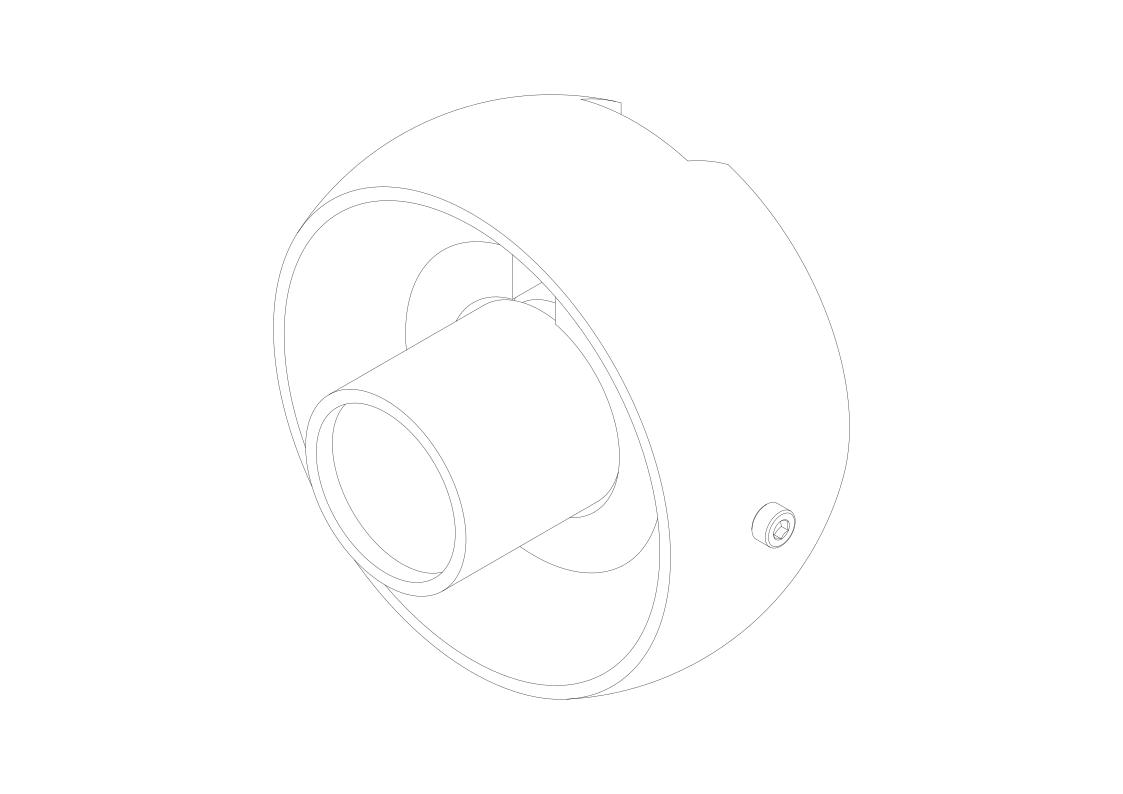
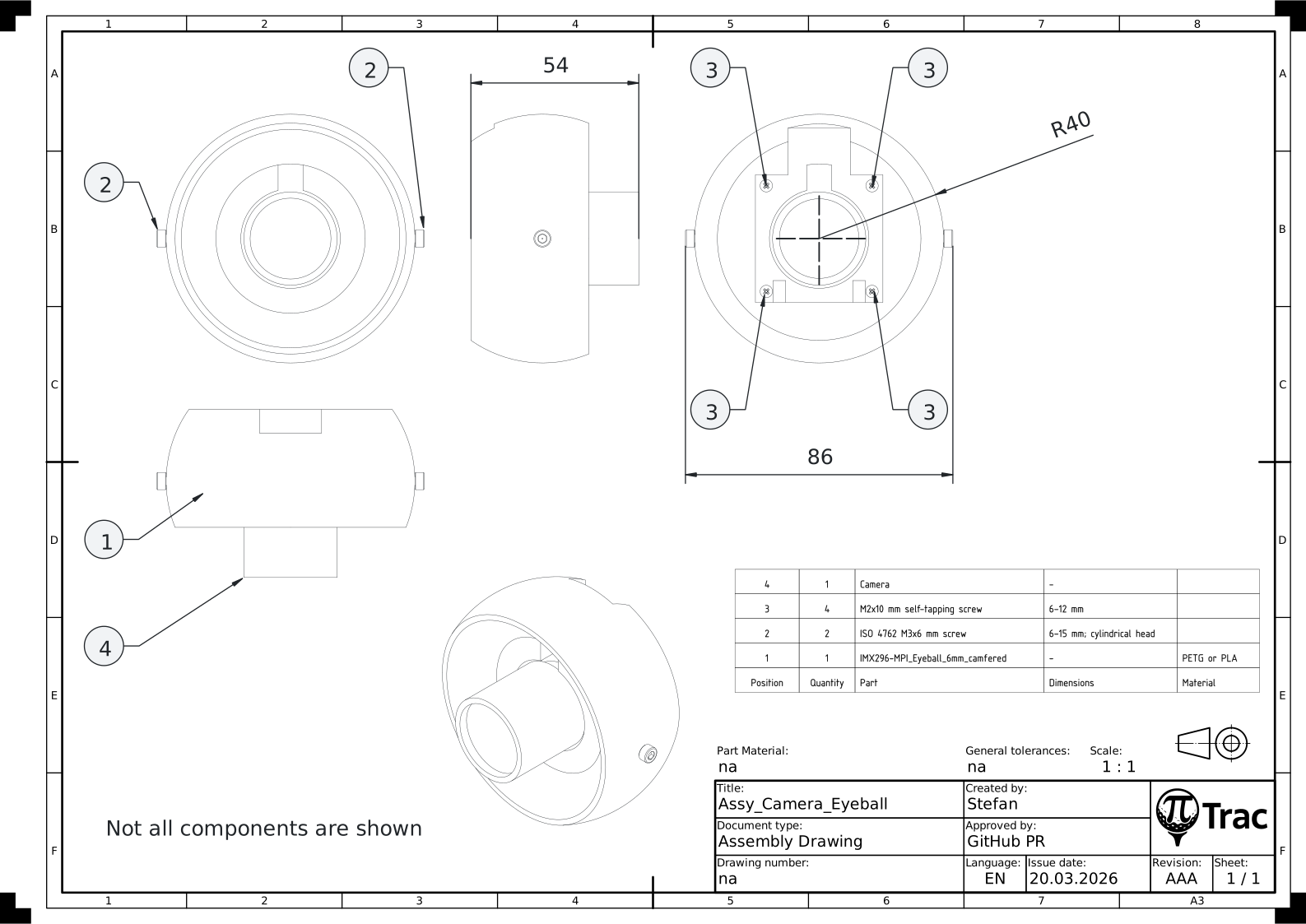
Tools:
- Cross-head screwdriver
- 2.5 mm Allen key
- Sandpaper (optional)
| Part | Qty | Notes |
|---|---|---|
| IMX296-MPI_Eyeball_6mm_camfered.stl | 1 | Remove support material |
| ISO 4762 M3x6 mm screw | 2 | 6-15 mm; cylindrical head |
| M2x10 mm self-tapping screw | 4 | 6-12 mm |
| Camera | 1 |
- Remove all support material.
- Smooth spherical surfaces if needed.
- Chamfer or prime the two horizontal holes for M3x6 mm using a cross-head screwdriver.
- Install both M3x6 mm screws with the Allen key. Ensure straight alignment.
- Slightly loosen the aperture and focus screws on the camera. Align them with the slot. The ribbon cable connector must align with the opening.
- Attach the camera to the eyeball using four M2x10 mm self-tapping screws.
Note
Choose the appropriate eyeball for your camera and lens. See Variants on the 3D Printing page for the alternate eyeball STLs (2.8 mm or 6 mm, camfered or plain).
LED Assembly (5x2 IR LED board)
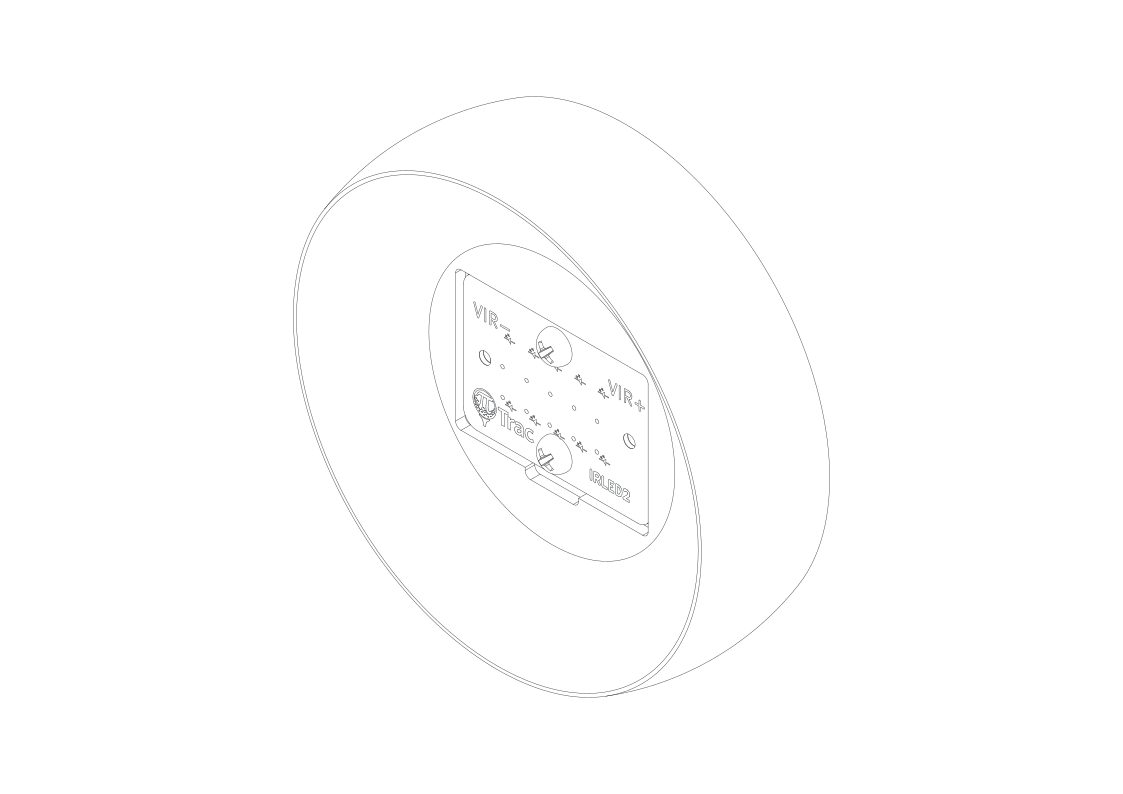
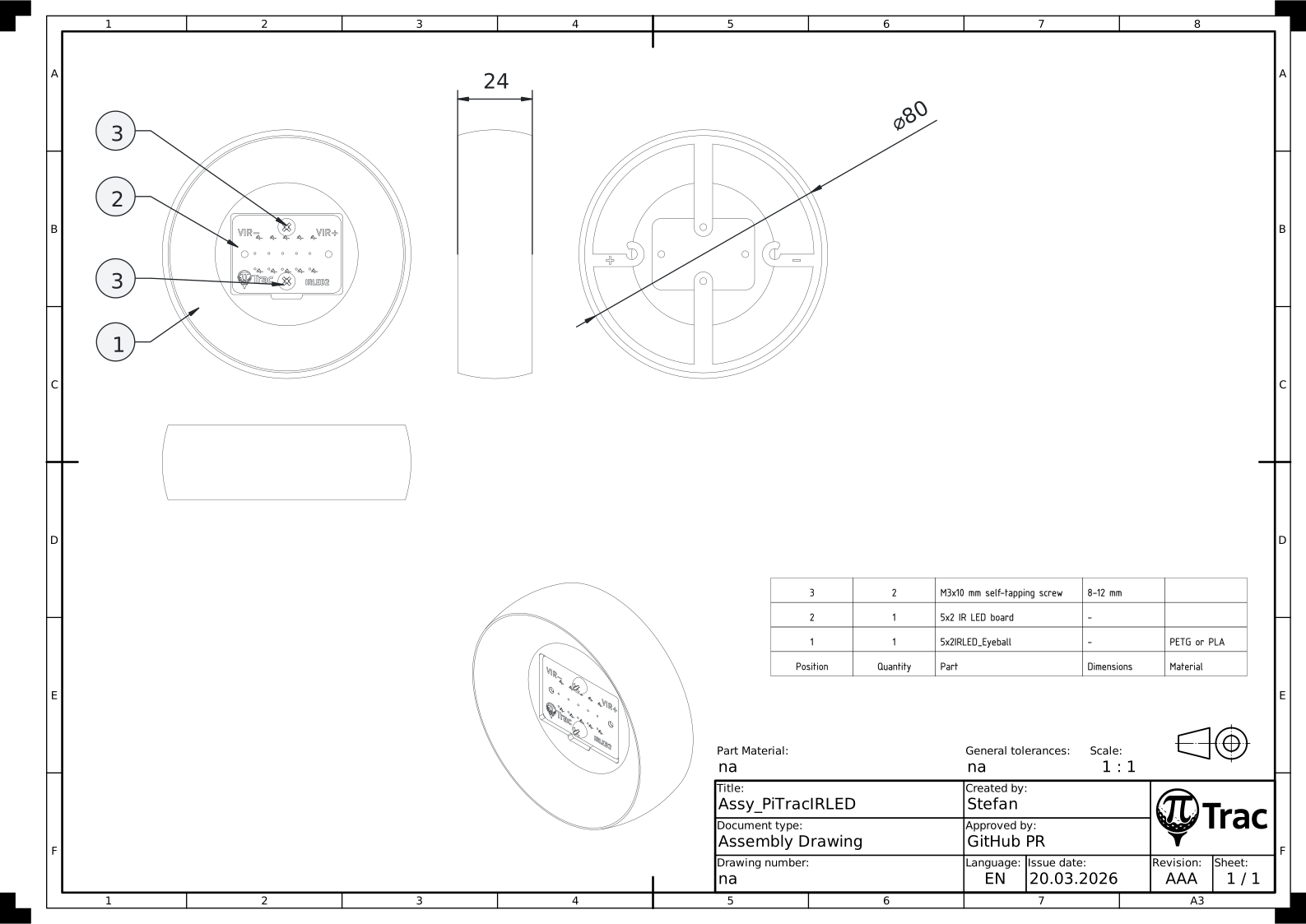
Tools:
- Cross-head screwdriver
| Part | Qty | Notes |
|---|---|---|
| 5x2IRLED_Eyeball.stl | 1 | |
| 5x2 IR LED board | 1 | |
| M3x10 mm self-tapping screw | 2 | 8-12 mm |
- Remove all support material.
- Smooth spherical surfaces if needed.
- Insert the already wired 5x2 IR LED board in the 5x2IRLED_Eyeball. Match electric polarity.
- Install the four M3x10 mm self-tapping screws. Do not overtighten.
- Clip the cables in place and ensure correct polarity. Keep the cables as far apart as possible.
LED Assembly (Legacy COB)
Tools:
- Cross-head screwdriver
| Part | Qty | Notes |
|---|---|---|
| LED_Eyeball.stl | 1 | |
| LED_Clamp.stl | 1 | |
| 100 W COB IR LED with wires | 1 | |
| 60 deg LED Lens (44 mm + Reflector) | 1 | |
| M3x10 mm self-tapping screw | 4 | 8-12 mm |
- Remove all support material.
- Smooth spherical surfaces if needed.
- Insert the reflector in the LED_Eyeball.
- Insert the COB LED in the reflector.
- Position the LED_Clamp on the COB LED. Ensure that the centering pins of the LED_Clamp are engaged with the COB LED holes. Ensure that the LED cables are not squished.
- Install the four M3x10 mm self-tapping screws. Do not overtighten. The clamp is designed with clearance, so that the LED is always preloaded.
Eyeball Assembly
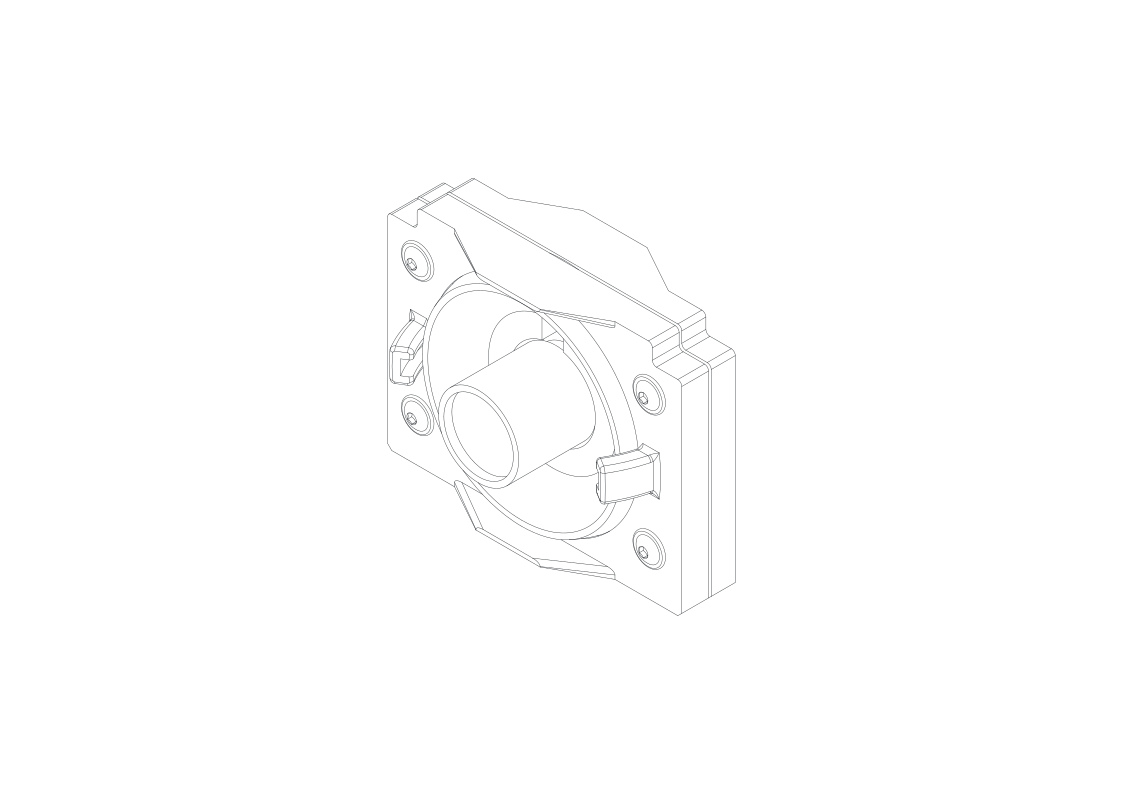
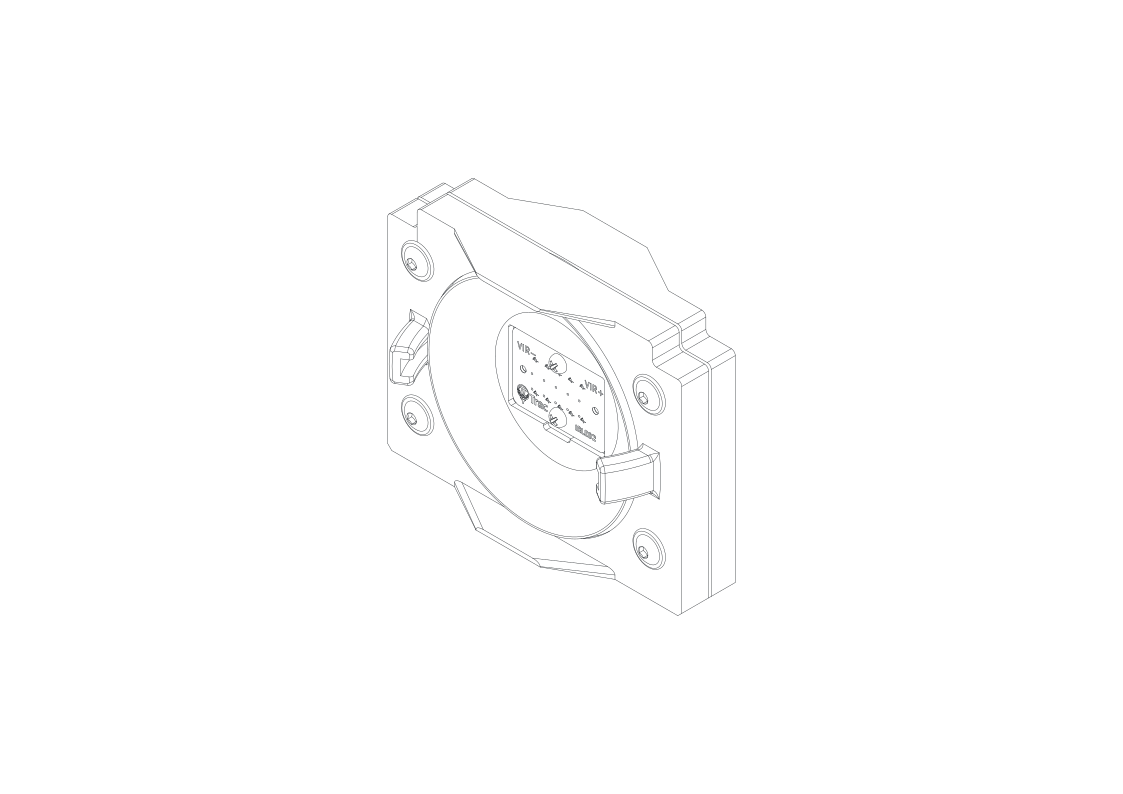
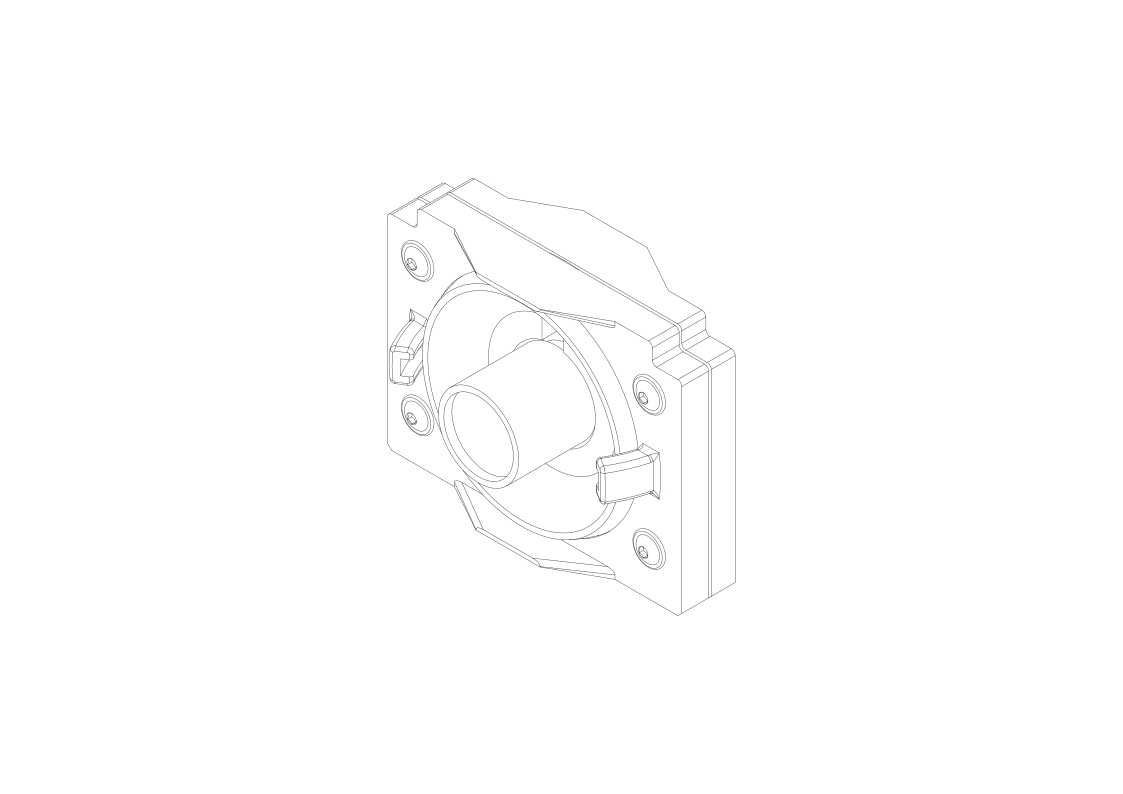
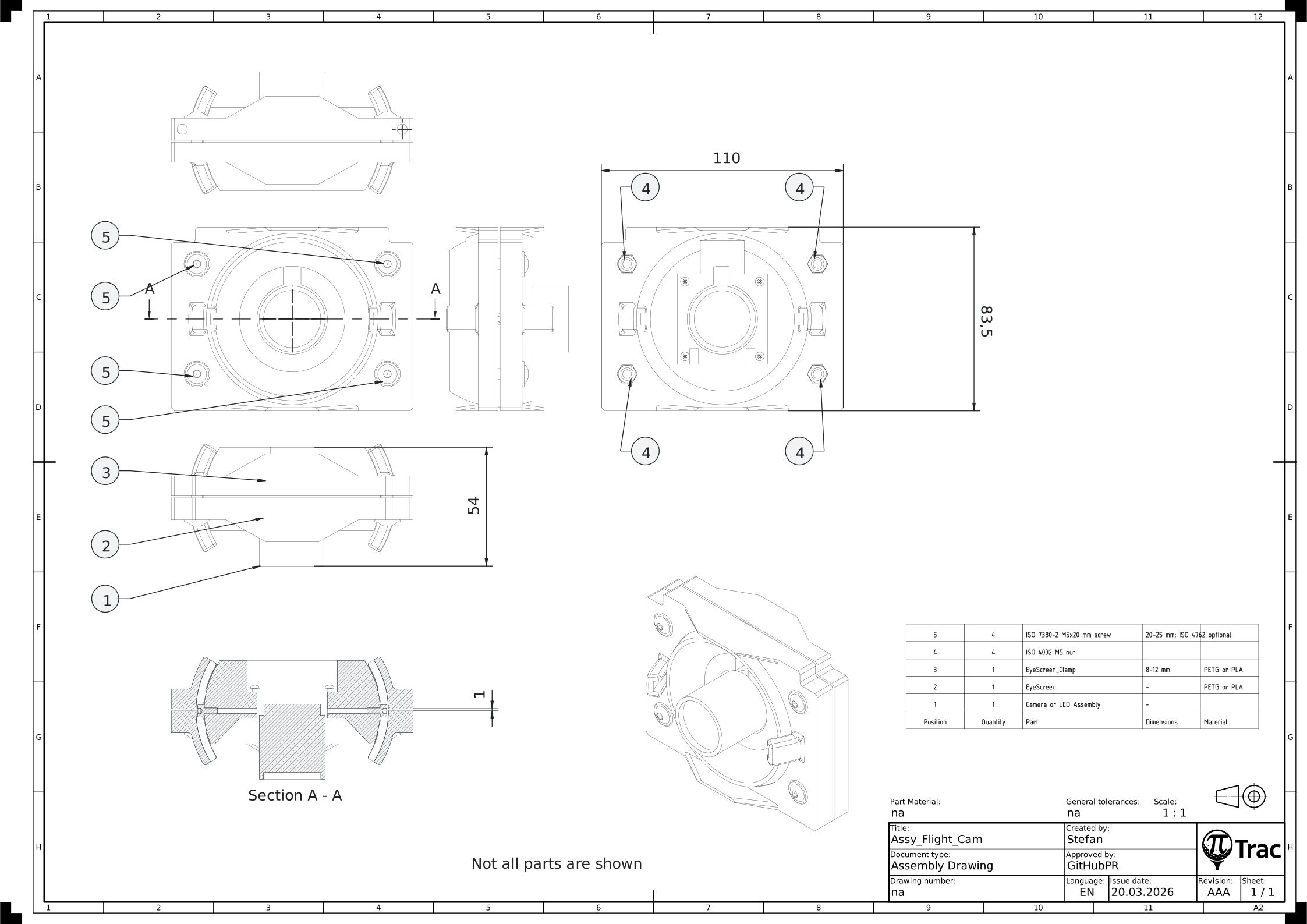
Tools:
- 3 mm Allen key for ISO 7380-2 or 4 mm for ISO 4762
- Sandpaper (optional)
- Superglue (optional)
| Part | Qty | Notes |
|---|---|---|
| Camera Assembly or LED Assembly | 1 | |
| EyeScreen.stl | 1 | |
| EyeScreen_Clamp.stl | 1 | |
| ISO 4032 M5 nut | 4 | |
| ISO 7380-2 M5x20 mm screw | 4 | 20-25 mm; ISO 4762 optional |
- Remove support material.
- Smooth spherical surfaces if needed.
- Insert M5 nuts into the EyeScreen_Clamp pockets (optional: secure with superglue).
- Insert the Camera Assembly or LED Assembly into the EyeScreen.
- Ensure correct orientation: notches must face upwards (toward the ribbon cable).
- Install the M5 screws and tighten only lightly.
Note
ISO 7380-2 button-head screws look nicer and provide more surface contact. ISO 4762 offers better tool access.